Studio
Stickers, captions, a frame and the $CHONK tag, on your photo or on a Le Chonk template. Download a PNG or share it on X. Everything runs in your browser. Your photo never leaves your device.
Preview

Drop a photo here
Add stickers and captions, then download the picture. No photo yet? Pick a Le Chonk template in the Templates section.
Or paste with Ctrl or Cmd + V. JPG, PNG or WEBP, up to 25 MB.
Photo
No picture yet.
Studio adds stickers, text and frames on top of the picture. It never changes anyone's body or face. Only use pictures you have the right to.
Stickers
Upload a photo. Get chonked.
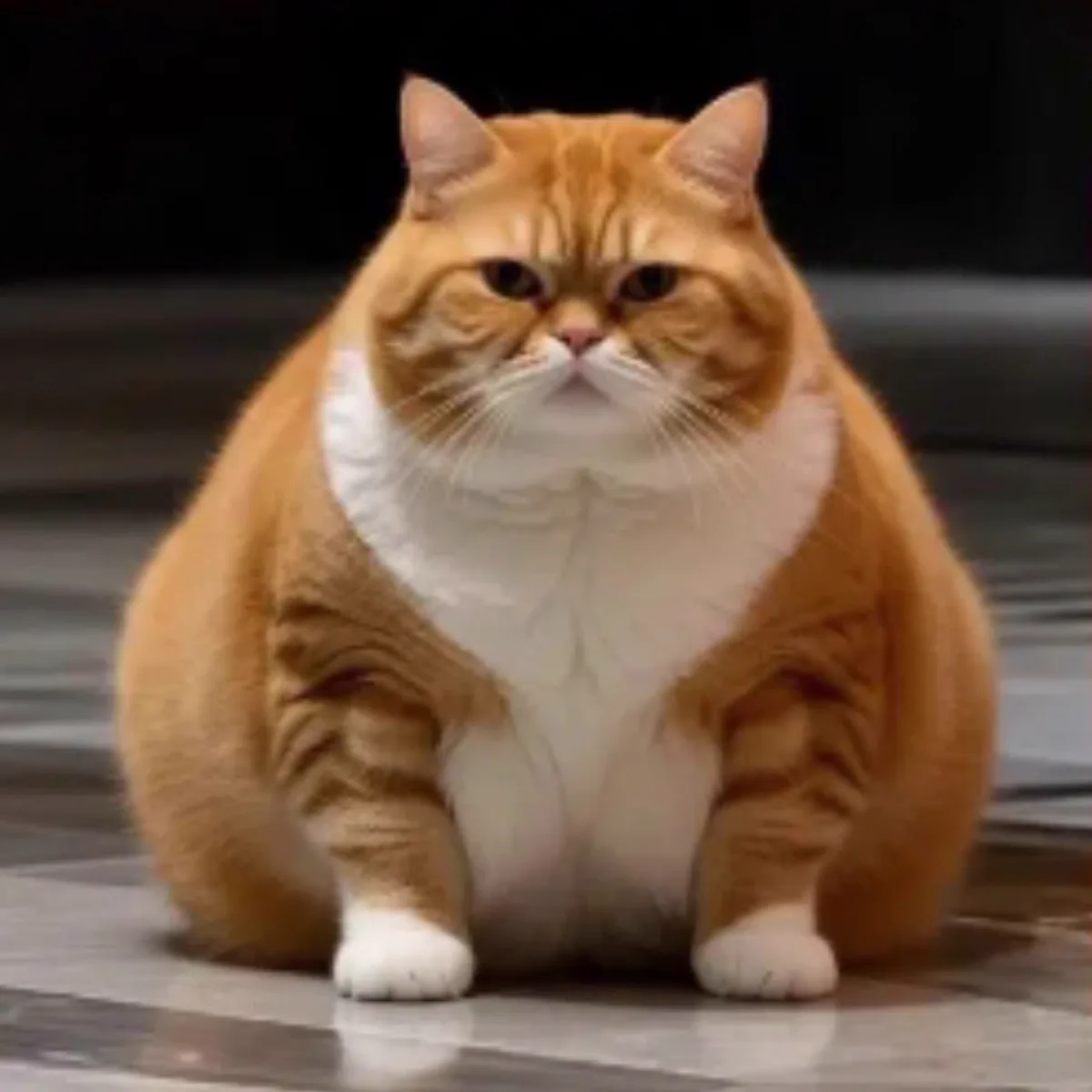
The fat cat sits on your picture. Nobody's body is changed.
Tap a sticker to add it. Drag it on the picture to move it.
Nothing selected.
Text
Style applies to the top and bottom captions.
Frame
The frame is a thin orange edge drawn inside the picture. The tag sits bottom-left and the watermark bottom-right, both inside the margin.
Templates
No photo? Start from one of these Le Chonk pictures. Each one is shown whole.
Export
Downloads le-chonk-studio.png at the picture's own size.
X cannot take images from links. Download the PNG, then attach it in X.
Good to know
- Keyboard: click the picture, select an item, then use the arrow keys (Shift for bigger steps). Delete removes it, Ctrl or Cmd + D duplicates it, Ctrl or Cmd + Z undoes.
- The PNG has the same shape as your photo, up to 2000 px on the long side.
- Captions wrap to three lines at most and shrink to stay on the picture.